Remove the background in one click. Cut out people or objects and save as a transparent PNG.
Click to choose a file Drag an image here
JPG, PNG, WebP, HEIC, and more
How to use it
- 1Drag in the image you want to cut out, or click to upload it (JPG, PNG, WebP, HEIC, and more).
- 2Press “Remove background.” On the first run it briefly downloads the AI model, then erases the background.
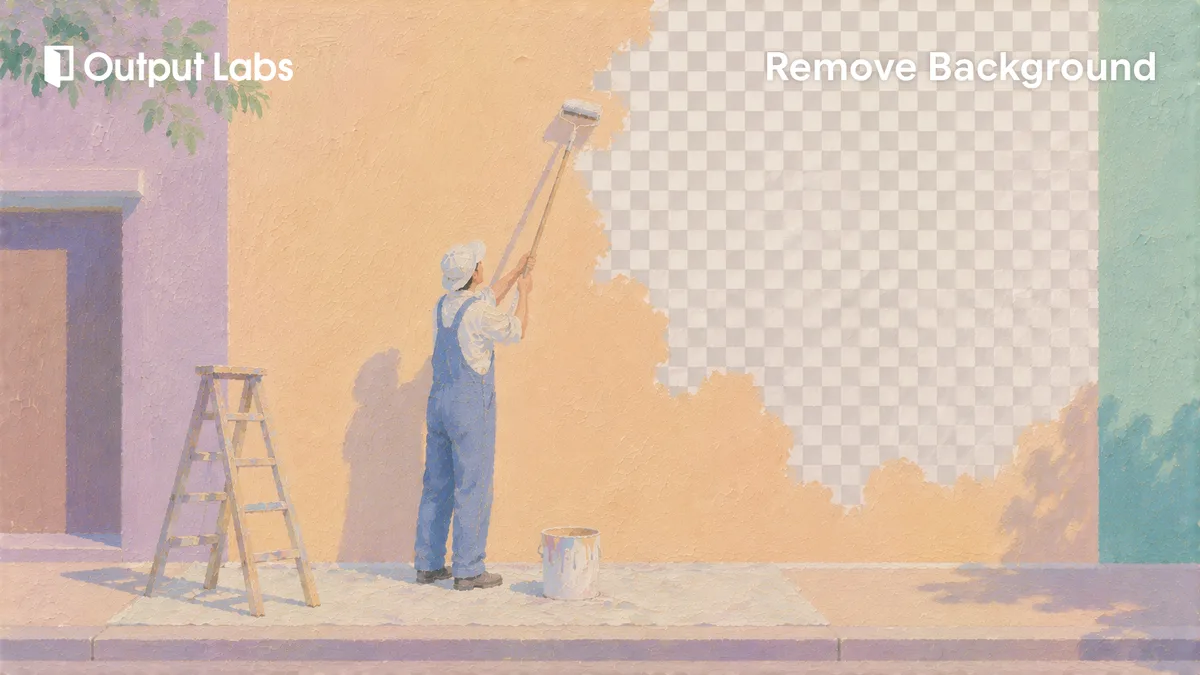
- 3See the result on a transparent checkerboard right away.
- 4Hit Save PNG to keep the transparent cutout — that’s it!
Handy tips
- Photos where the subject stands out clearly from the background — people, products — cut out the cleanest.
- Only the first run takes a moment to download the model; in the same browser, every run after that is much faster.
- Since the result is a transparent PNG, you can lay it straight over a new background color or image.
How the AI processes it inside your browser
Background removal happens entirely inside the browser on your own computer. The first time you press "Remove background," it downloads an AI model (~40MB) once that tells the subject apart from the background. Only that model comes over the internet — your actual photo is never uploaded to a server and is computed only on your device.
So you can safely process a photo with someone's face in it, or an unreleased product shot. Once fetched, the model is cached in the browser, so on the same device and browser it starts right away next time with no download. With no round trip to a server and back, both the privacy worry and the wait time shrink.
Photos that work well and ones that are tricky
The clearer the edge between subject and background, the cleaner the cutout. A person in front of a plain or blurred backdrop, or a product on a bright surface — anything with strong contrast — cuts out best. When the silhouette is distinct, the AI isn't confused about where the subject ends, and the edges come away crisp.
Trickier cases are flyaway wisps of hair, translucent glass or plastic, and clothing almost the same color as the background. Those edges are ambiguous, so the AI may smear them a little or leave some background behind. Re-shooting against a simpler background, or swapping to a photo where the subject stands out more, noticeably improves the result.
Putting a transparent PNG to use
The result is a transparent PNG with the background punched out. You can drop it straight into a marketplace product listing that needs a white background, or lay it over another color or image to build a new backdrop. It's also great for placing a profile shot on a clean solid color, or isolating a person for a card news post or a slide.
When you're compositing several elements, a transparent PNG is the basic building block. Lay a cut-out person or product over a background image, adjust the size and position, and you have a simple collage. Since it always saves as PNG, the transparent areas are preserved, so it carries cleanly into another tool for further work.
Frequently asked questions
No. Your photo is never sent to a server — everything happens inside your browser. The only thing downloaded once is the AI model file; after that it’s cached on your device and your photo stays local.
The first run downloads the AI model (~40MB) that erases the background to your browser. Once it’s cached, the same browser won’t download it again, so every run after that is much faster.
JPG, PNG, and WebP, plus formats like HEIC. The result is always saved as a PNG with a transparent background.
Complex photos — flyaway hair, or a background close in color to the subject — can leave rough edges. In those cases, try again with a photo where the subject stands out more clearly.
The saved file is a PNG with a transparent background, so in a slide deck or an image editor you just lay it over whatever background you like. If you need a white backdrop, place it on a white panel and re-save, then use the Crop tool to tidy the margins for a product shot or profile.
The first run needs a connection to download the AI model. After the model is cached in your browser, your photo isn't sent to a server and is processed on your device, so later runs in the same browser go much more smoothly.